Blog
Battery backup for telecom base stations
CELLFORGE BLOG — TELECOM · BACKUP THAT ONLY MATTERS WHEN IT MATTERS
A base station's battery is invisible until the grid drops — then it is the only thing between the site and an outage report. Telecom is a listed application for the high-voltage range on this site; this article covers how backup is specified.
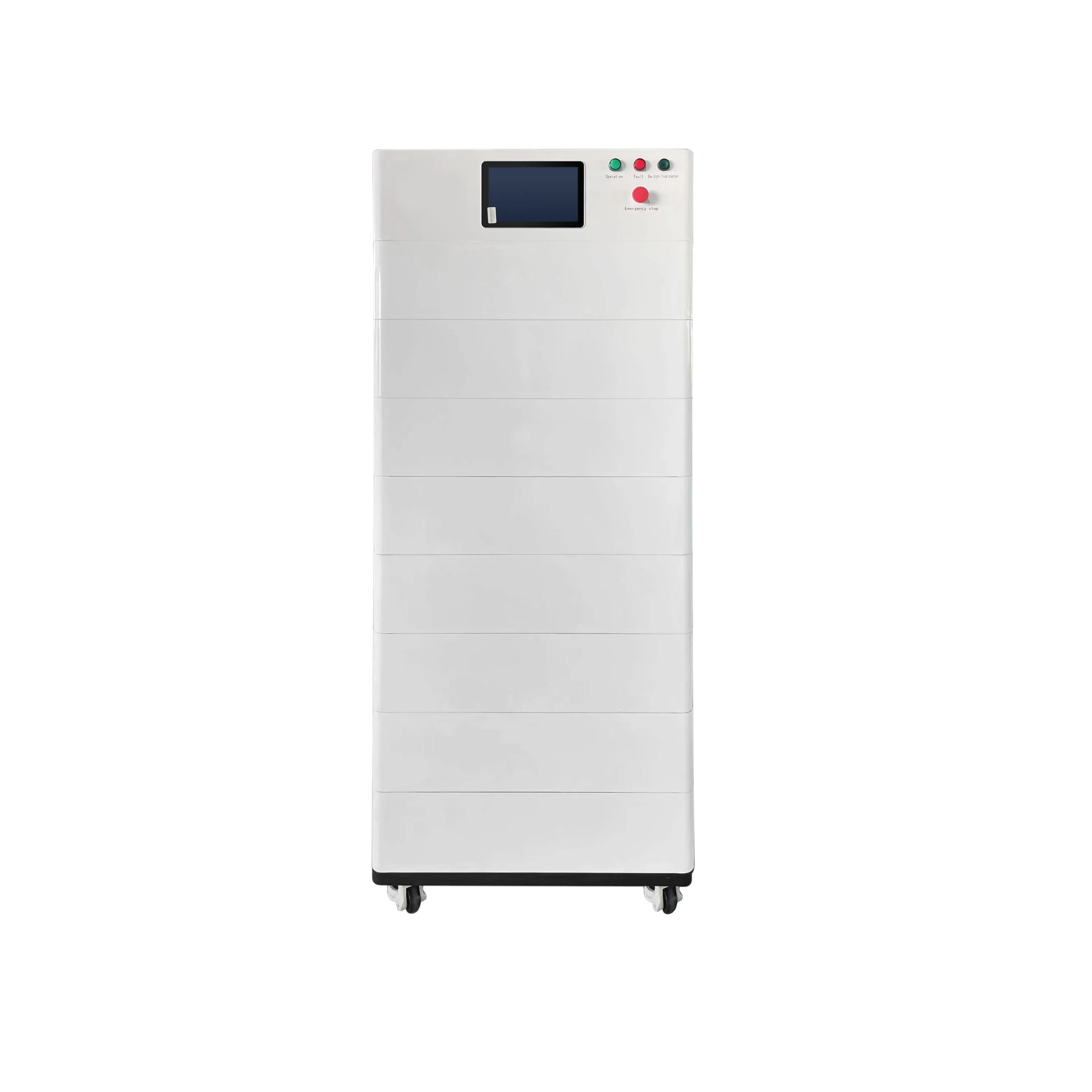
What the backup battery is really buying
A base station battery is not bought for the ordinary day. It is bought for the moment the grid fails, when the site has to keep running until mains power returns or a generator takes over.
That is the job in plain terms: carry the load through the outage window. The pack holds the site up while the grid is down, and hands the load over cleanly when secondary power starts. Generator pairing is part of this picture — where a site has a generator, the battery bridges the gap until it comes on and stabilises, so the site is not left waiting.
Seen this way, the purchase is risk removal. You are not buying a box of cells; you are buying the difference between a site that rides through an outage and one that drops and generates an outage report. For a fleet manager, that difference is measured in trouble tickets, site visits and the confidence that a region of sites behaves the same way when the grid falters.
This is why telecom is a listed application for the high-voltage range on this site — the supplier positions that range for sites where continuity matters and where the backup system is expected to work quietly in the background. The product page states the application; the detail pages carry the system figures for specific models.
Keep the frame practical. The battery carries the load until power returns or a generator starts. Everything else in the specification follows from how long that window needs to be, what the site draws, and what conditions the pack lives in.
Unmanned sites change the specification
Most base stations are not staffed. That single fact reshapes the specification more than any datasheet line, because nobody is there to notice a problem, open a door, or reset anything.
Temperature swings are the first reality. An unmanned site can run hot in the day and cold at night, and the pack has to live with that without a person adjusting anything. That pushes the conversation toward enclosure choices and toward management features inside the pack that keep it operating within sensible bounds — the product page states what the pack includes for the exact model.
Dust and security are the second reality. Sites are often exposed, and equipment is a target. Enclosure, mounting and access control are part of the specification, not an afterthought. Ask what the enclosure is designed for and how the site is secured before you order.
Long gaps between visits are the third. If a technician only comes occasionally, the system has to be self-contained and readable from a distance. That is where monitoring earns its place: company materials describe optional monitoring that reports readings and alarms remotely, and the supplier describes remote diagnosis as part of after-sales support.
None of this is a guarantee. It is operational visibility and sensible design for sites where nobody is standing by. The specification question is simple: if this site runs unattended for long stretches, what does the pack need to include so it keeps working and so you know when it does not?
Monitoring is the site's eyes
On an unmanned site, monitoring is how you find out what is happening without sending someone to look. Company materials describe optional monitoring that reports readings and alarms remotely. The supplier describes remote diagnosis as part of its after-sales support.
Use that as an operational tool, not a promise. Monitoring gives you visibility: what the pack is doing, and an alarm when something drifts outside normal. For a fleet manager, that changes the daily routine — instead of waiting for an outage report, you can see which sites need attention and plan the visit rather than react to it.
It also changes the after-sales conversation. Ask what the remote monitoring on the quoted model reports, and what it can narrow down before a technician has to go out; confirm what monitoring is included for the exact model before you order.
Be clear about what monitoring is not. It is not a guarantee of uptime, and it is not a substitute for specifying the pack correctly in the first place. It is the eyes on the site — the difference between a silent problem and a known one.
For installers and distributors, monitoring is also a service you can talk about with the end customer: a site that reports its own state is easier to support and easier to explain. Ask the supplier what the monitoring covers, how alarms are reported, and what the remote diagnosis process looks like, so you can describe it accurately.
From one site to a multi-site rollout
One site is a project. A rollout is a process. The shift happens when a buyer stops specifying each site from scratch and starts freezing a configuration that can be repeated.
Standardising means the same specification sheet, the same documents and the same spares thinking across sites. It means an installer arriving at a new site already knows what is in the cabinet, and a fleet manager can compare sites because they are built the same way. It also means the buyer imperative applies to every model in the standard: ask for the test reports and certificate documents your market requires for the exact model before you order.
Why freeze a configuration before scaling? Because variation is where cost and confusion hide. Every deviation creates a new document set, a new spares line, a new conversation with the installer. A frozen configuration keeps the estate legible.
Telecom is a listed application for the high-voltage range on this site, and the supplier describes that range for sites where backup continuity matters. For multi-site buyers, the practical step is to settle the specification once — load profile, outage pattern, access and environment — and then apply it consistently.
Standardisation is not rigidity. It is a baseline you can defend, with documented exceptions where a site genuinely differs. Freeze the baseline, keep the exceptions written down, and the rollout stays manageable.
Specifying backup in an inquiry
The inquiry is where a good backup system starts. Give the supplier the inputs and you get a specification you can compare; leave them out and you get a guess.
Bring four things. First, the site load profile: what the base station draws and how that load behaves. Second, the outage pattern: how often the grid fails and what the site needs to ride through, described in words rather than assumed. Third, access and environment: whether the site is unmanned, what temperatures and dust it sees, and how it is secured. Fourth, the existing power chain: what is already at the site and how the battery fits with it, including any generator.
Then point the conversation at the high-voltage range, which the supplier lists for telecom applications. The product page states the application; the detail pages carry the system figures, so ask for the specification sheet for the exact model you are considering.
And ask for the documents your market requires for that model before you order — test reports and certificate documents. That request belongs in the first inquiry, not the last.
Send the inquiry form with your application and model details, and the supplier can respond to a real site rather than a generic one.
Talk to the sales team
Send the inquiry form with your application and the model details you are considering, and the supplier can match the high-voltage range to your site.
Go to the inquiry form