Blog
Bluetooth battery monitoring: what the app actually shows
CELLFORGE BLOG — MONITORING · WHAT EACH READING IS FOR
A battery that reports itself changes how fleets and boat owners work. Company materials describe optional app monitoring for these packs — this article walks through each reading and what a buyer should do with it.
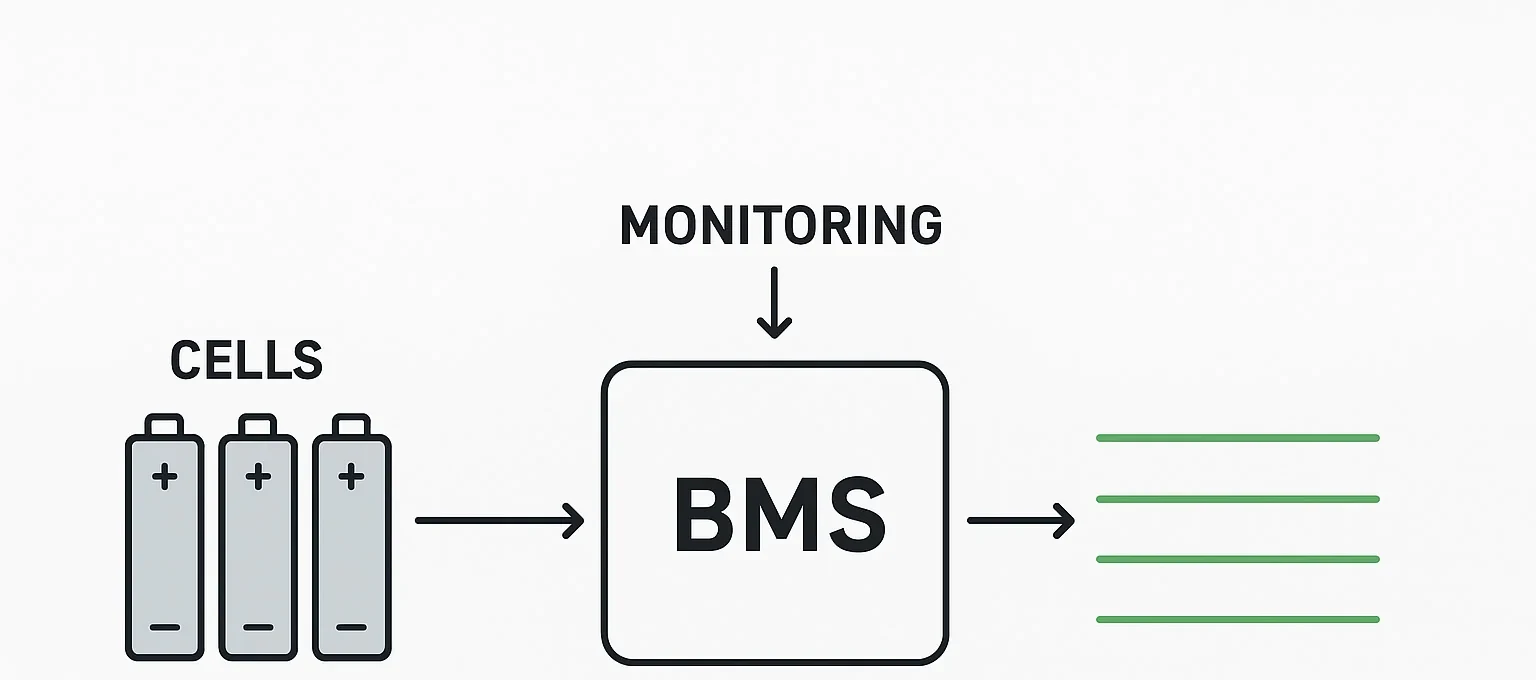
Six readings and what each one is for
The product page states that, on models where app monitoring is available, the app shows six core readings: voltage, current, state of charge, state of health, temperature and alarms. Each one answers a different question, and each should drive a different decision. Voltage tells you the pack's electrical pressure at the moment you look. A resting voltage that sits lower than usual after a charge can prompt you to check the charger or ask for a diagnosis before the next shift. Current shows what is flowing in or out right now. If a fleet vehicle is drawing more than you expect during a duty cycle, current is the reading that flags it, so you can review the load or the route rather than waiting for a symptom. State of charge is the fuel gauge: it tells the operator whether there is enough energy for the next task and when to schedule a recharge. State of health is a longer-term estimate of how the pack is ageing; use it for planning replacements and comparing packs across a fleet, not for minute-by-minute decisions. Temperature shows how warm the pack is running; a reading that climbs outside its normal pattern is a prompt to stop, inspect and ask for guidance. Alarms are the pack's own flags that something needs attention. The company describes these as optional features; confirm which options are available for your model.
Bluetooth at the pack, WiFi beyond it
The supplier describes two connection styles for app monitoring: Bluetooth and WiFi. They serve different habits. Bluetooth is for the person standing at the vehicle or vessel. You pair the app with the pack, look at the six readings on your phone, and make a local decision: whether to load another job, whether to plug in, whether to call for advice. It is a hands-on check, and it keeps you close to the hardware. WiFi is for when you are not there. The company describes an optional cloud platform that carries pack data beyond the immediate location, so a fleet manager or distributor can see how a pack is behaving without walking to it. That is useful for spotting a pattern across several vehicles or for reviewing a fault after the event. Availability of app monitoring, and of the cloud platform, is per model — confirm both in the quotation for the model you order. Confirm in the inquiry what your installation needs from each connection style, for the model you order. Think of Bluetooth as the check you do at the pack and WiFi as the view you get when you are elsewhere. Both are described as optional, and both depend on the model you order.
Remote diagnosis and its limits
Company materials describe remote diagnosis as an optional after-sales feature, offered alongside the app monitoring and the optional cloud platform; confirm which options are available for your model. What it can do in practice is a question to settle in the inquiry, for the model you are quoted. Ask what the supplier's staff can read through the app or cloud platform, and what those readings can narrow down before a technician has to go out. Ask whether a reading can turn a vague report — 'the boat is slow' or 'the forklift cuts out' — into a more specific question, and whether it can help you decide whether the issue is in the pack, the charger or the installation. Treat it as one layer of support, with limits buyers should hear plainly. Ask which faults need a person on site with tools, and what an on-site inspection involves for your installation. Ask for the support terms that apply to the model you are considering, so your service plan rests on stated terms rather than assumptions. Ask for the test reports and certificate documents your market requires for the exact model before you order, and ask how remote diagnosis is handled for the model you are considering.
What monitoring cannot tell you
An app is a window, not a workshop. The readings described by the company — voltage, current, state of charge, state of health, temperature and alarms — are useful, but they do not replace physical checks. They do not tell you whether a terminal is torqued correctly, whether a connector is seated, whether a charger is maintaining its profile, or whether a cable has chafed. Those checks remain part of routine maintenance, and the app should sit alongside them, not in place of them. State of health deserves particular care. It is an estimate, not a direct measurement: the company's BMS page lists SOC/SOH estimation models among its functions. Treat it as a planning indicator, not a precise measurement, and ask for the cycle-test report if you need to understand how it was derived. Alarms are flags, not diagnoses; they tell you something needs attention, not always what. Temperature is a point reading, not a thermal survey. And the app cannot see the rest of the system: the load, the wiring, the environment. The company presents monitoring as an aid to operators and after-sales staff.
Specifying monitoring on an order
Monitoring is optional per model, so it belongs in the specification conversation, not in an assumption. The supplier describes app monitoring of voltage, current, state of charge, state of health, temperature and alarms, plus an optional cloud platform, but availability is per model, so confirm which options are available for your model. Name monitoring in your inquiry: say which readings you need to see and whether you want the cloud platform as well. Confirm it on the quotation when it comes back, so there is no gap between what you expected and what is on the order. Before you commit to a volume, check the app pairing on the sample: pair it with your phone, look at the six readings, and make sure the experience matches how your team will actually use it. Ask for the test reports and certificate documents your market requires for the exact model before you order. If you need remote diagnosis for after-sales, ask how it is handled for that model and what it can and cannot do. The technology page describes these features in more detail. Use the inquiry form to send your application and model details, and the company can confirm what is available for the packs you are considering.
Talk to the sales team
Send the inquiry form with your application and the model details you are considering, and the company can confirm which monitoring options are available for your order.
Go to the inquiry form